Guide
Updates & Diagnostics
Keep AZOM current from the right release channel, and capture serial traffic when you need to file a bug.
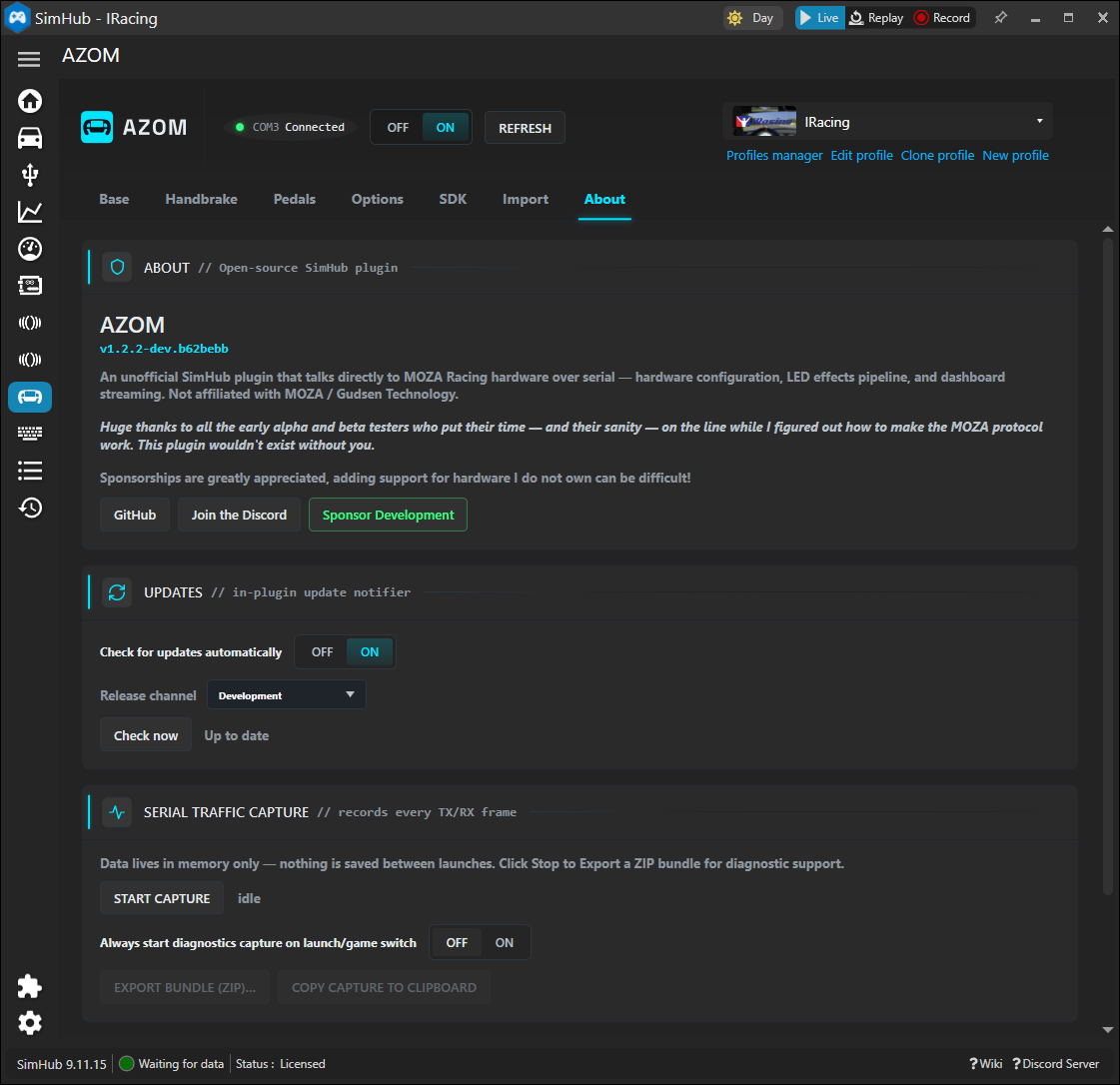
The About tab in the AZOM panel carries the version, project links, the update notifier and the diagnostics tools — worth knowing for staying current and for reporting problems.
Updates
Turn on automatic checks and pick a Release channel. Development gets the newest in-progress builds.
Serial Traffic Capture
Serial Traffic Capture records every TX/RX frame in memory. If you hit a bug, start a capture, reproduce the issue, then Export Bundle (ZIP) and attach it to a report on Discord or GitHub. Nothing is saved between launches unless you export it.
That's the tour. From here you've got force feedback, pedals, LEDs, the LCD dashboard, button actions and SDK support all running through SimHub — no Pit House required.